Beyond Blooms: Your Floral Garden Organic Background Toolkit
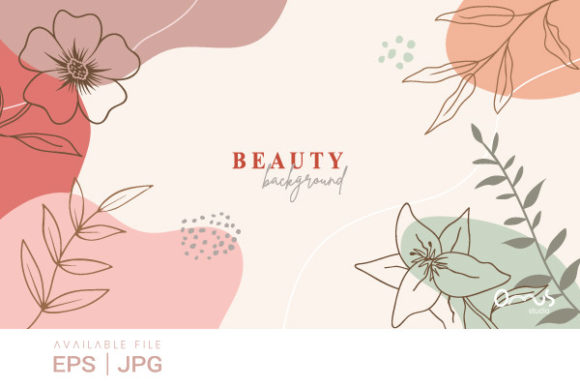
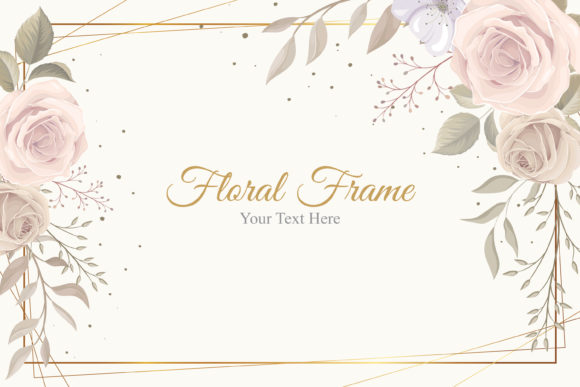
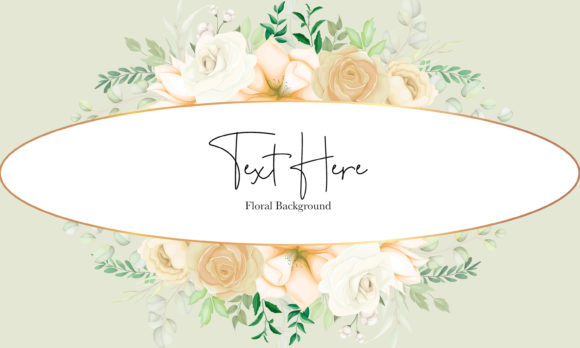
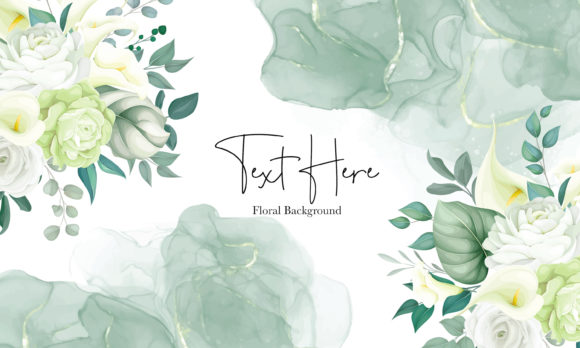
The creative spark often ignites when you find the right material. For countless designers, marketers, and content creators, that spark comes from a versatile, high-quality visual foundation. Enter the Floral Garden Organic Background. This isn’t just a static image; it’s a dynamic asset built for adaptation and scale. A vector floral beauty backdrop in soft pastel colors, it provides an organic, elegant starting point that can evolve to fit your unique vision.
The Core Advantage: Scalability and Control
What sets this particular resource apart is its inherent flexibility. Being a true vector file, available in EPS format, means every element is defined by mathematical points and paths, not pixels. This translates to 100% scalability. You can enlarge a section for a billboard or shrink it for a social media icon without any loss of quality, blurring, or pixelation. This technical foundation empowers practical creativity—you are free to experiment with size without compromising the integrity of the beautiful floral design.
A Palette of Practical Applications
Let’s move from the technical to the applied. How does this backdrop translate into real-world projects? Its pastel color scheme and organic floral flow evoke feelings of calm, growth, and natural beauty, making it incredibly adaptable.
For the small business owner, it could become the serene background for a wellness brand’s website header, or the textured element behind product photos for an organic skincare line. A blogger or educator might use it to create visually cohesive presentation slides, eBook covers, or newsletter headers that feel fresh and inviting. Marketers can extract individual floral motifs to design social media campaign graphics, email banners, or printed promotional materials, ensuring brand consistency across touchpoints.
Creative Interpretation: From Backdrop to Building Block
The beauty of a vector file is that it allows you to deconstruct and reinterpret. Don’t see it only as a full-page background. See it as a library of components.
- Layer and Combine: Isolate specific flower clusters or leaf trails. Layer them over your text or photographs, using the soft pastels as a subtle highlight rather than a dominant floor.
- Color Adjustments: While the provided pastel palette is intentionally calming, vector formats often allow for selective color editing. You might adjust hues to better align with a specific brand color, or mute them further for a more minimalist effect.
- Pattern Creation: Take a repeated segment of the design and tile it to create a custom, seamless pattern for fabric mock-ups, website textures, or packaging design.
This approach shifts the asset from a finished piece to a creative building block, encouraging originality while providing a professional-quality starting point.
Aligning with Audience and Context
A key part of effective design is matching your visual choices to your audience’s expectations and the context of the medium. The Floral Garden Organic Background, with its organic and non-aggressive aesthetic, naturally suits audiences looking for inspiration, relaxation, or a connection to natural themes.
Consider these adaptations:
- For a professional workshop on creativity or mindfulness, use the full backdrop lightly blurred behind the title to set the tone.
- For a younger, vibrant audience on Instagram, you might crop a bold floral section, increase its saturation slightly, and overlay a playful, modern font for a post about “growth.”
- For printed wedding invitations
The goal is to use the asset’s qualities to support your message, not overpower it. Keeping your text clear and legible by contrasting it against less busy sections of the backdrop is a simple but crucial practical step.
Organizing Your Creative Process
When you download the ZIP file containing both the EPS and JPEG preview, you’re getting a toolkit. Start with the JPEG preview to quickly place the visual in your mock-up and assess its overall feel. Then, move to the EPS vector file for the actual production work. This two-step approach saves time.
To maintain consistency across a project, decide early on how you intend to use the elements. Will you use the same cropped portion for all social media avatars? Will you apply a uniform color filter to every instance? Establishing these small rules ensures your outputs feel organized and professionally coordinated, even as you explore different applications.
The Floral Garden Organic Background is, ultimately, a catalyst. It offers the technical reliability of 100 vector scalable elements and the aesthetic appeal of floral beauty in pastel colors, freeing you to focus on application, interpretation, and connecting with your audience. It invites you to build upon its foundation, to make it uniquely yours for your website, campaign, publication, or product. The creative possibilities are bounded only by your project’s needs and your imagination’s willingness to see a backdrop not as a limit, but as a launchpad.